Library Stats
The Library - browse, upload, curate, search, and manage your photos - is available on:
- Web - desktop or laptop browser at eyedeeaphotos.com
- Android - the full Eyedeea Photos mobile app
It is not available on view-only apps such as Fire TV, Google TV, or LG TV. Those apps play the synchronized View slideshow only. Manage your library on a computer or Android device, then watch on the big screen.
Library stats live on the Summary tab - your Know Your Photos (KYP) dashboard for totals, storage, AI impact, and cleanup status.
Open Library → Summary to see everything at a glance.
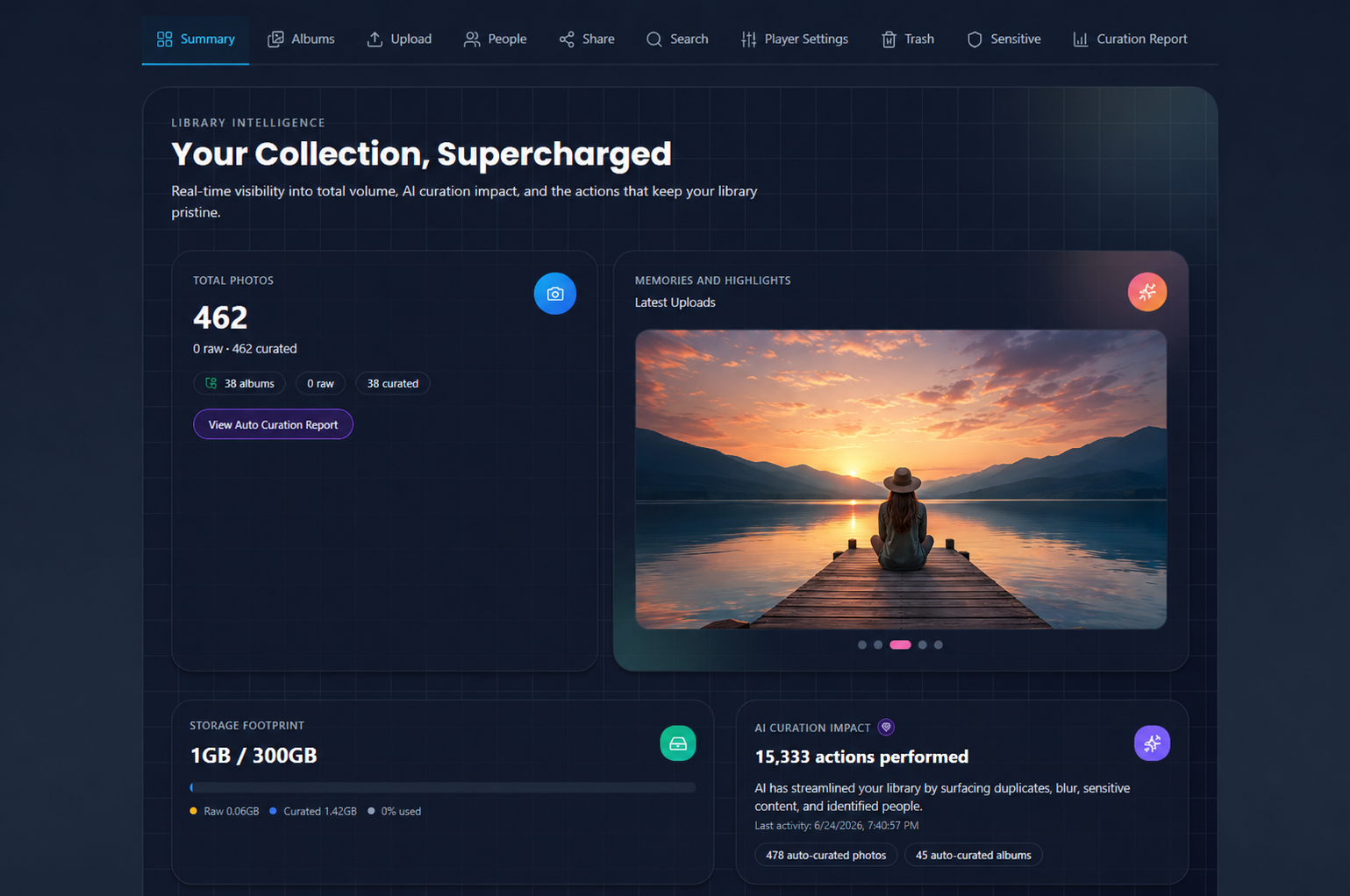
What Summary tracks
| Metric | What it tells you |
|---|---|
| Total photos | Raw vs curated counts and album totals |
| Storage footprint | Used vs plan quota, split by raw and curated |
| AI Curation impact | Auto-curated photos and albums, last activity |
| Household | Members, pending invites, open slots |
| Address resolved | Photos with GPS mapped to real places |
| Action Center | Pending duplicates, blurry, sensitive, people, and overloaded albums |
The Action Center tiles are always visible. Cleanup tiles show Review Now when something needs attention, or All good when the queue is empty. Dedicated cleanup tabs only appear when the pending count is greater than zero - see Cleanup.
Full guide
For a walkthrough of every section, see Library → Summary.