Face detection
The Library - browse, upload, curate, search, and manage your photos - is available on:
- Web - desktop or laptop browser at eyedeeaphotos.com
- Android - the full Eyedeea Photos mobile app
It is not available on view-only apps such as Fire TV, Google TV, or LG TV. Those apps play the synchronized View slideshow only. Manage your library on a computer or Android device, then watch on the big screen.
Eyedeea uses AI to detect faces in your library and group similar faces into clusters. You name people, merge clusters, and browse photos by person from the People tab.
How it works
- After Auto Curation runs, the AI detects faces in your photos.
- Similar faces are grouped into clusters (often the same person).
- You review suggestions - confirm, merge, or leave unnamed.
- Over time, recognition improves as you confirm identities.
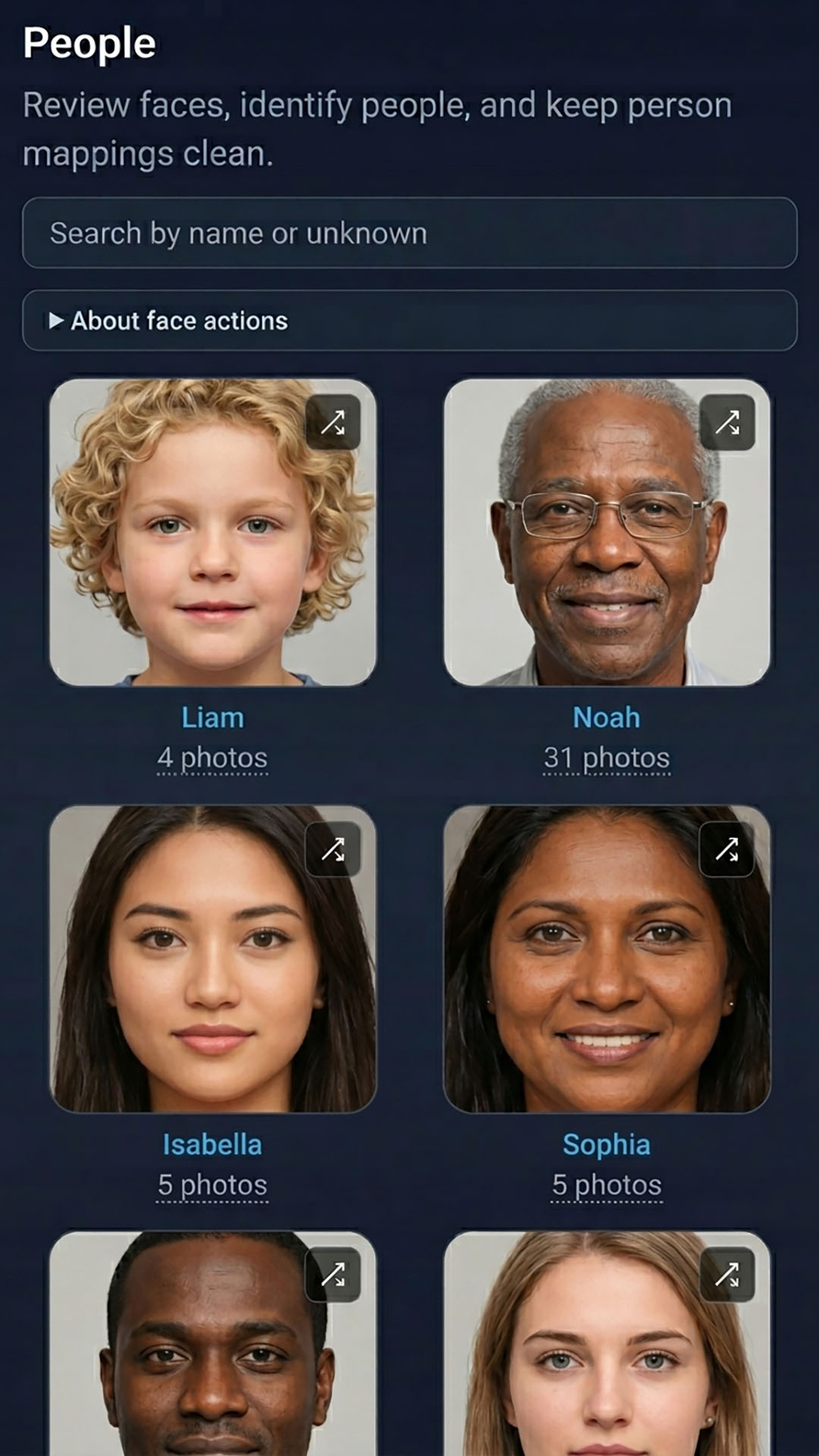
Face data stays within your household. Only household members with library access can see People albums.
Using People
- Open Library → People after curation has run.
- Review face clusters the AI suggests.
- Confirm or merge clusters and assign a name.
- Browse that person's photos from their profile.
You can leave clusters unnamed - the system still groups them with stable IDs for later review.
Full guide: Library → People.
Privacy
Face analysis runs on your library to power People browsing. It is not shared outside your household account.