Summary
The Summary tab is your library command center - your Know Your Photos (KYP) dashboard. It answers the question every photo hoarder asks: "What do I actually have?"
Eyedeea does most of the organizing automatically after Auto Curation. Summary shows you how that work is going and where you may still want to step in.
On this page
- What you see
- Total photos and storage
- Memories and Highlights
- AI Curation impact
- Action Center
- Household and geolocation
- After you upload
- Quick actions
- Good to know
What you see
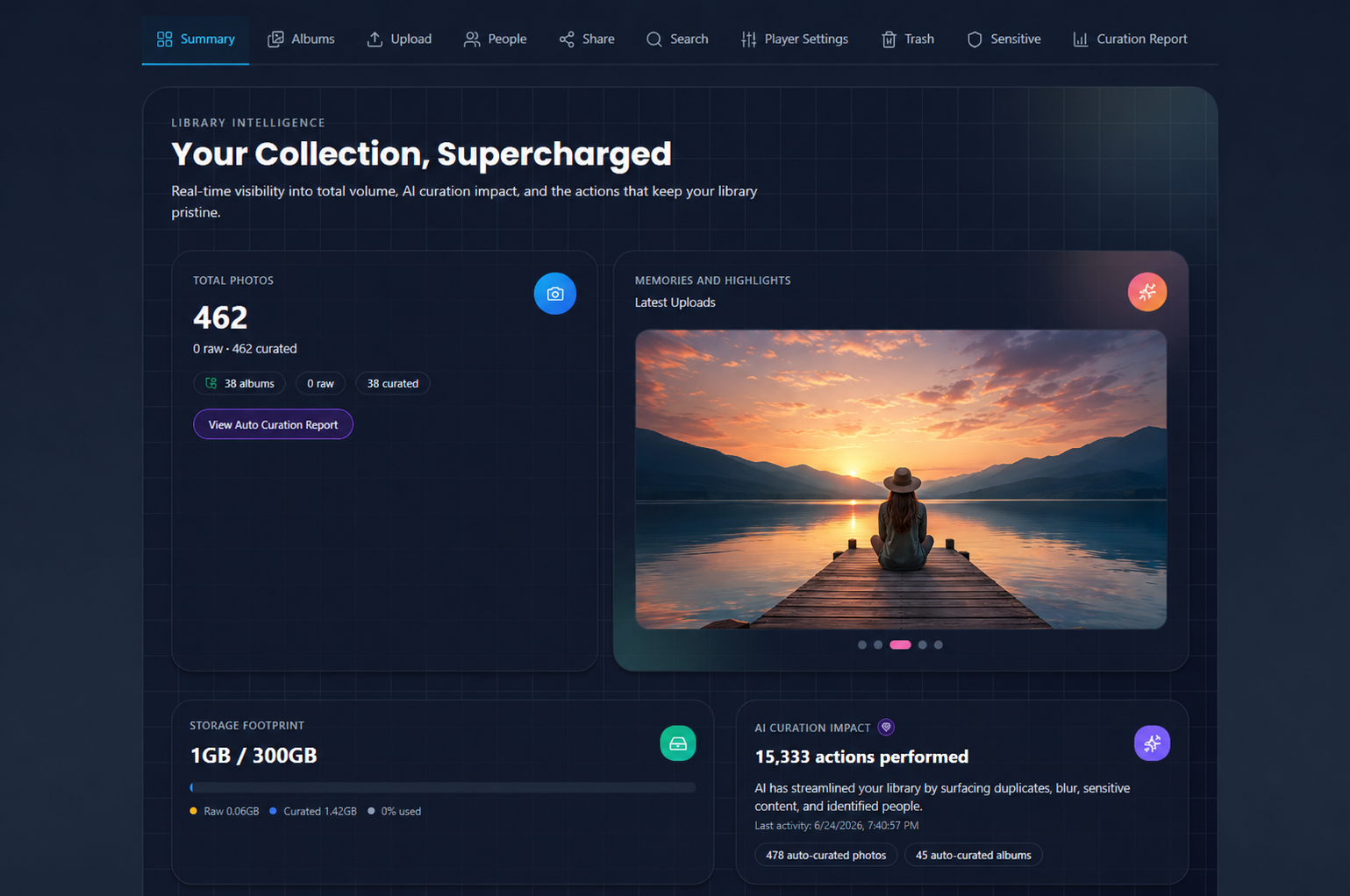
Summary refreshes when you return to the tab, when curation jobs finish, and when cleanup queues change. The main areas are:
- Photo counts - uploaded vs curated, and how your library is growing
- Storage usage - how much of your plan you have used
- AI Curation impact - what Auto Curation has done recently
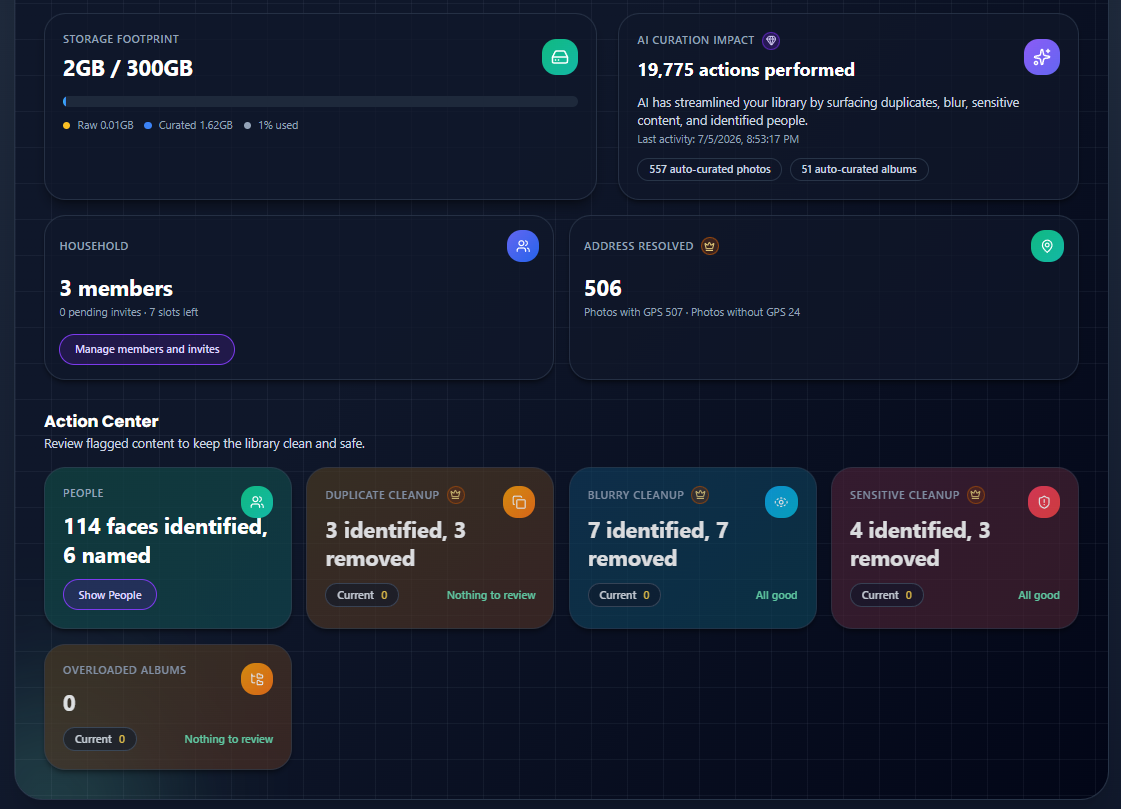
- Action Center - shortcuts to People, duplicates, blurry, sensitive, and overloaded albums
- Household overview - members on your plan (owners see invite options)
- Geolocation - photos with place data mapped to real addresses
Total photos and storage
| Metric | What it tells you |
|---|---|
| Total photos | Uploaded vs curated counts and album totals |
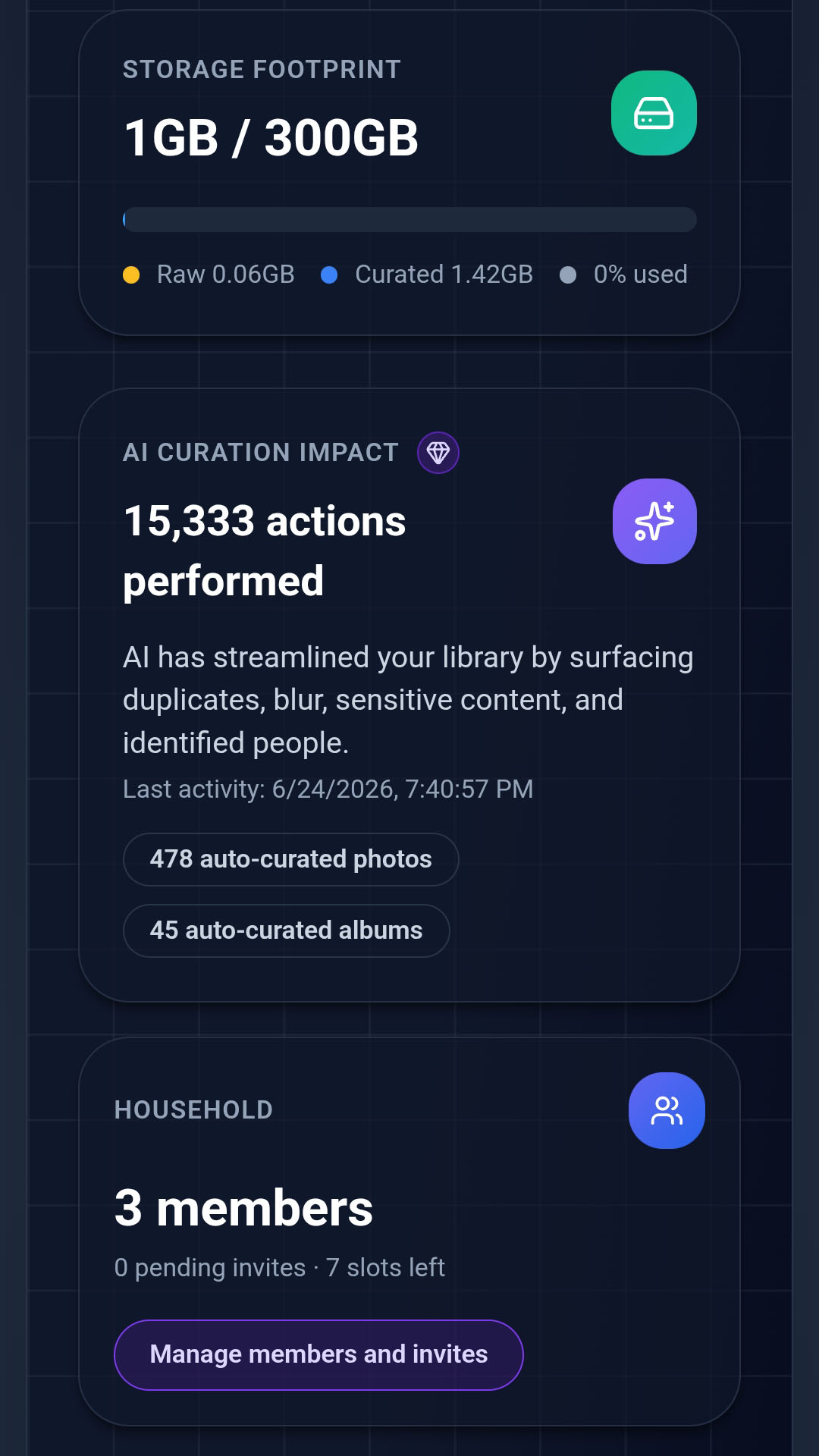
| Storage footprint | Used vs plan quota, split by uploaded and curated |
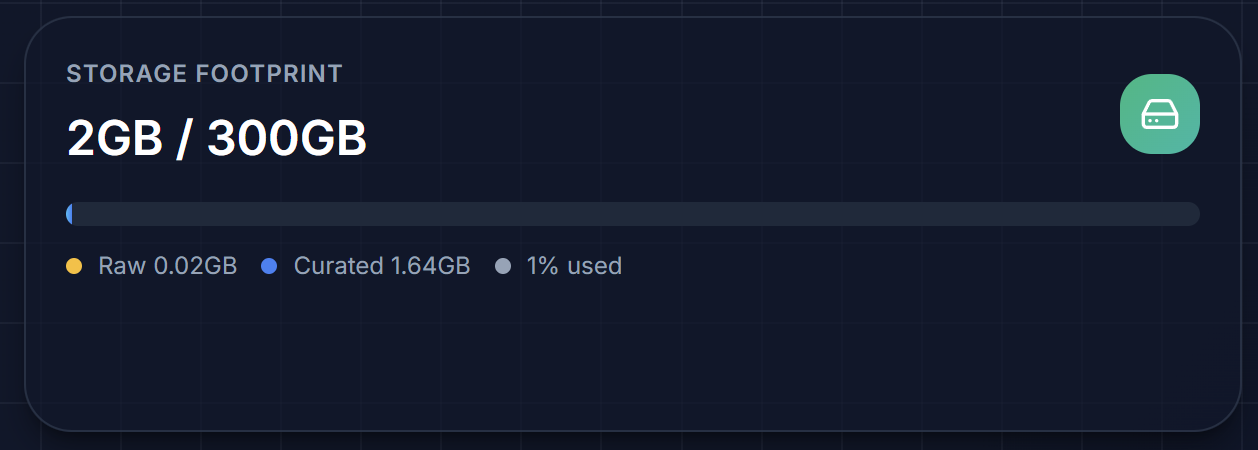
Use these numbers to decide whether you need more storage, a cleanup pass, or an upgrade.
Memories and Highlights
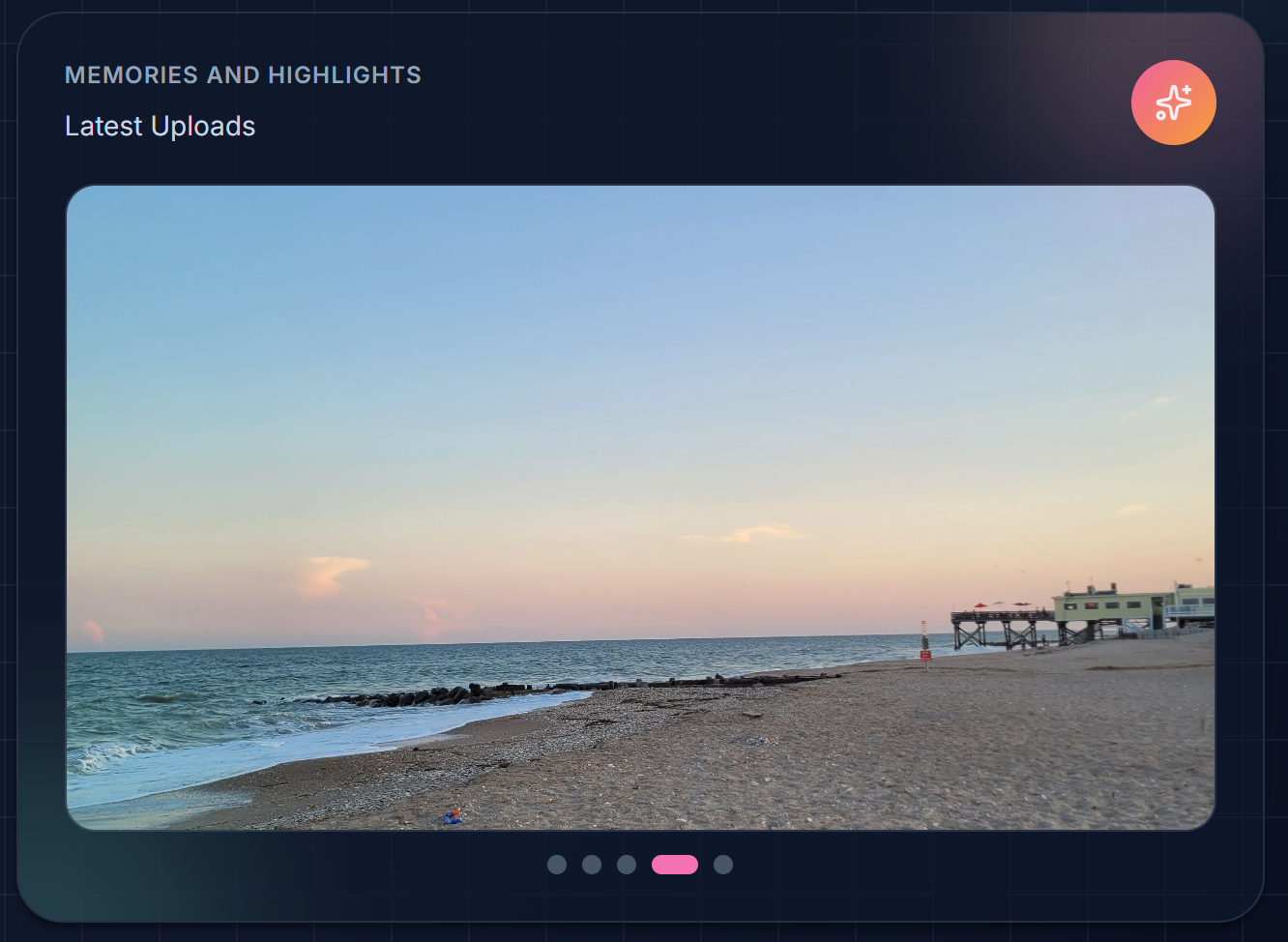
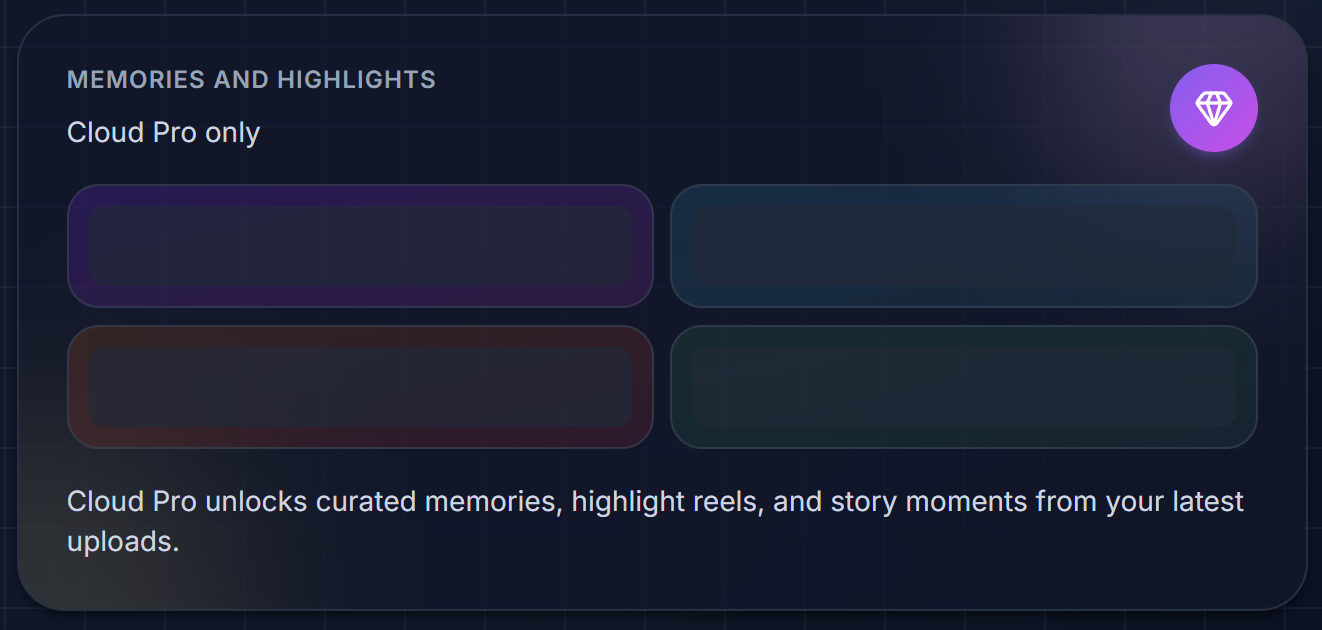
Cloud Pro subscribers see a Memories and Highlights carousel of recent uploads at the top of Summary - a quick visual pulse of what just landed in your library. A lot of surprises are coming here for the premium plans
Other plans see an upgrade teaser instead of the carousel.
AI Curation impact
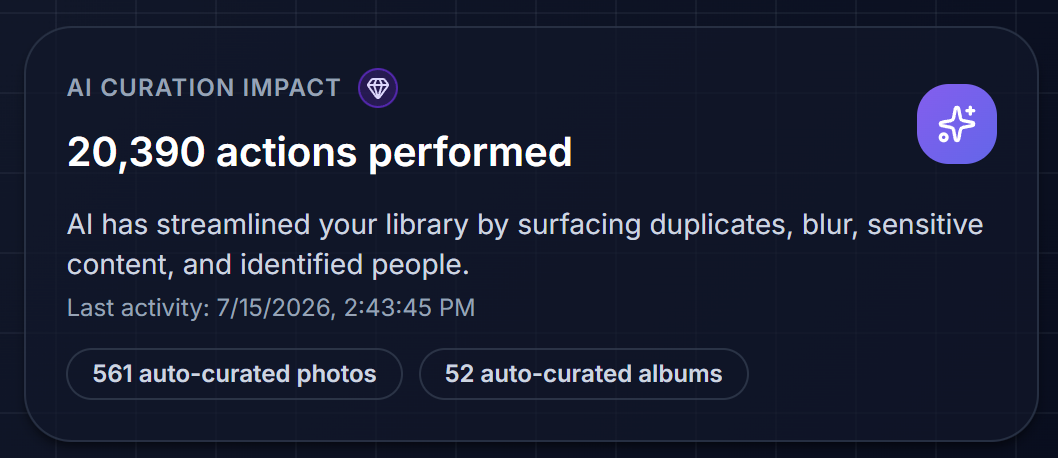
The AI Curation Impact card summarizes recent Auto Curation activity:
- It basically summarizes total number of operations the AI has performed to organize your photo gallery, keeping to neat and clean
Action Center
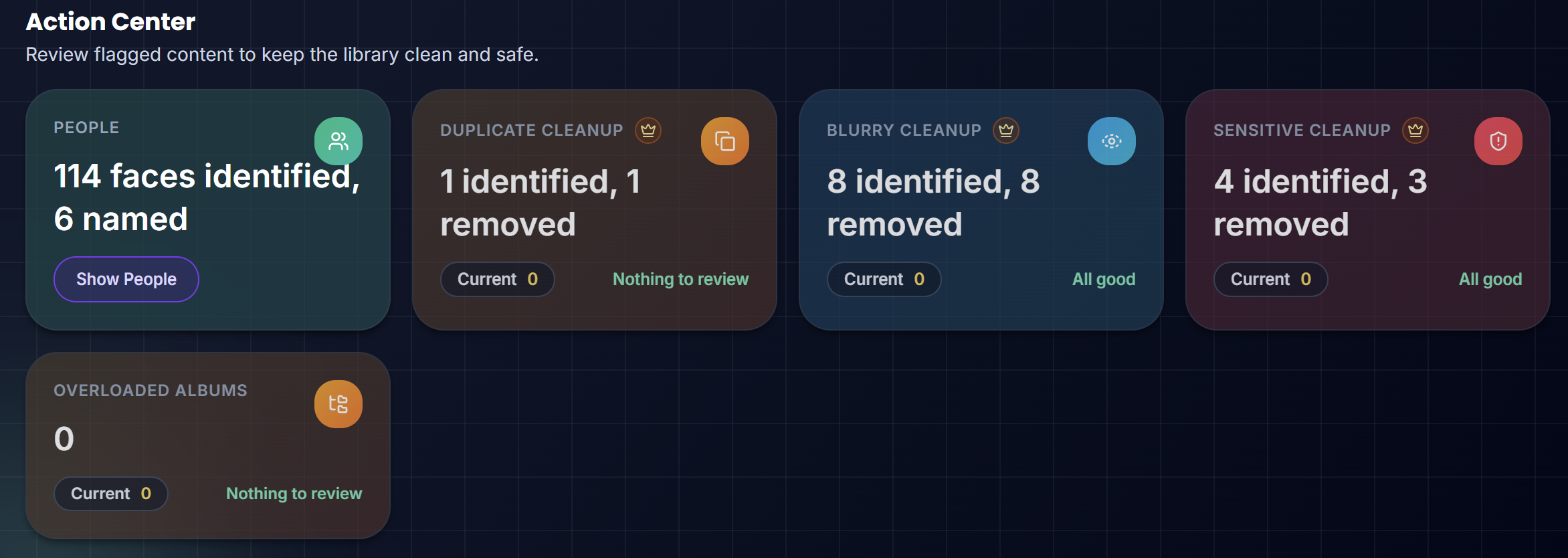
The Action Center is always visible. Each tile jumps to the right Library area:
| Tile | Opens | Status |
|---|---|---|
| People | People tab | Review unnamed face clusters |
| Duplicates | Duplicates review | Review Now or All good |
| Blurry | Blurry review in Cleanup | Review Now or All good |
| Sensitive | Sensitive review | Review Now or All good |
| Overloaded Albums | Albums | Albums that may need splitting or cleanup |
Dedicated cleanup tabs only appear when the pending count is greater than zero. The Action Center tiles stay visible either way.
Household and geolocation
- Household - member count, pending invites, and open slots. Tap to open Settings → Household Members.
- Address resolved - how many photos have GPS coordinates mapped to real-world addresses vs photos missing location data.
Photos without GPS still work - but place-based albums, Search, and weather overlays are more accurate when location is present.
After you upload
When a batch finishes uploading, a countdown banner appears above the Library tabs. Auto Curation starts automatically after about 60 seconds (or tap Auto Curate to start sooner). While analysis runs, a scan progress bar may appear at the top of the Library.


These banners live above the tab bar - not inside the Summary panel itself - but Summary counts update when the job completes.
Quick actions
From Summary you can:
- Jump to Albums, People, or flagged cleanup tabs
- Open the Auto Curation Report when available
- See subscription and member limits (owners)
- Start a View slideshow when you are ready to enjoy memories
Good to know
- Summary refreshes as curation and cleanup jobs complete.
- Flag counts link to the relevant cleanup areas - see Cleanup.
- If your subscription has ended, Summary may show a plan-inactive badge until you renew.
- Subscribed users may see a dismissible notice when sample photos are loaded for demo purposes.