Sensitive
The Sensitive tab appears when the AI flags photos that may need a closer look - for example suggestive content, partial nudity, or explicit material. Eyedeea never auto-deletes based on AI output. You decide what stays in your library and what moves to trash.
On this page
- When you see this tab
- How review works
- Keep vs delete
- Outside the Sensitive tab
- Web and Android
- Related cleanup tabs
- Privacy
When you see this tab
Sensitive review areas appear only when there is something pending:
| Where | When it shows |
|---|---|
| Mobile | A dedicated Sensitive Library tab when the pending count is greater than zero |
| Desktop | A Sensitive folder under Albums in the sidebar when flagged photos exist |
| Summary | The Action Center tile always appears - it shows Review Now when items need attention, or All good when the queue is empty |
When you finish reviewing (keep or remove every flagged photo), the tab or folder disappears until new flags arrive after a future upload or scan.
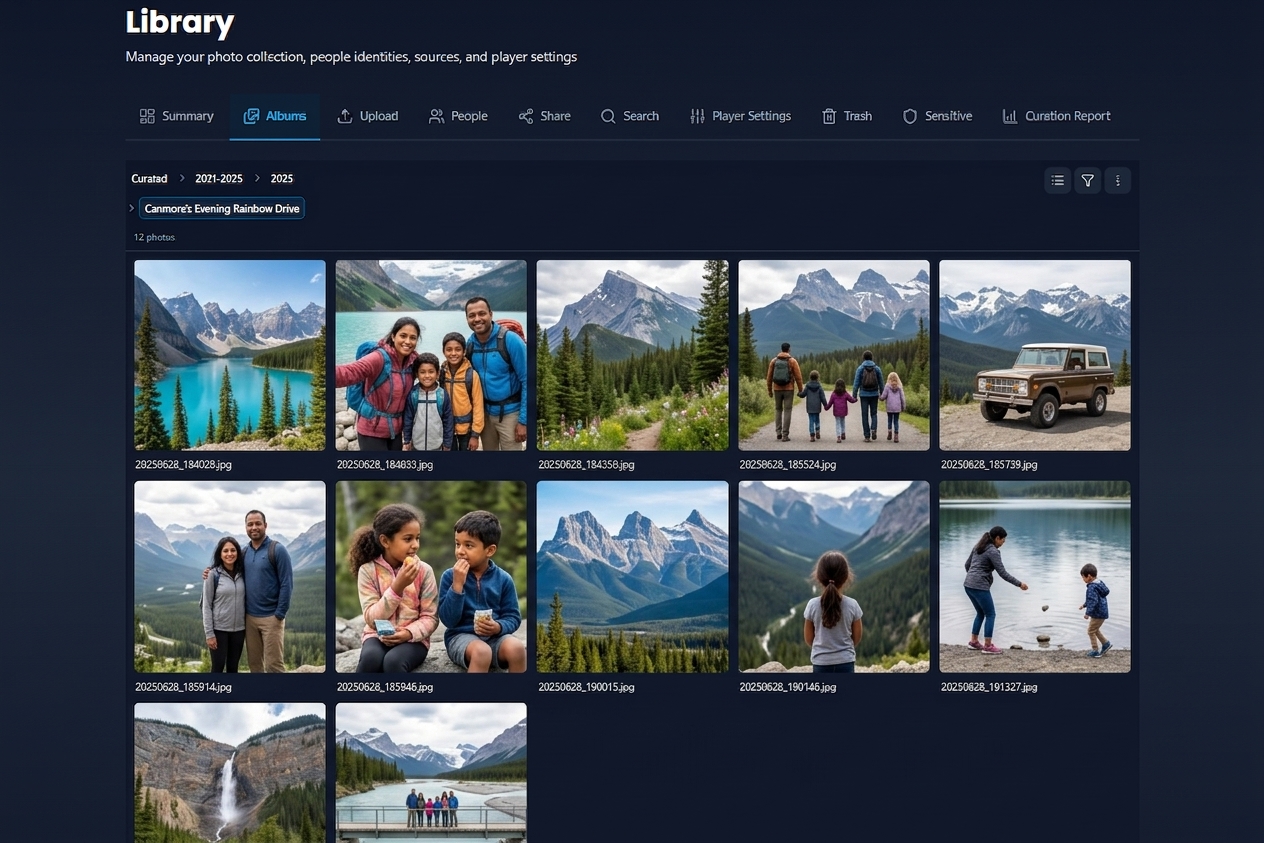

How review works
Sensitive review uses the same cluster grid as Duplicates and Blurry - but with thumbnails visible for careful inspection and no bulk right-click menu.
- Open Sensitive (tab on mobile, folder under Albums on desktop).
- Browse flagged photos in the review grid.
- For each photo, choose Keep or Delete (move to trash).
- Open a photo in the Photo Viewer if you need a full-screen look.
- Resolved items drop out of the pending queue; the tab hides when nothing is left.

Keep vs delete
| Action | Result |
|---|---|
| Keep | Photo stays in your library; flag cleared for this review cycle |
| Delete | Photo moves to Trash for permanent review later |
There is no Set as original on Sensitive - that action applies only to duplicate clusters.

Outside the Sensitive tab
When you browse Albums or Search, photos flagged as sensitive may show a masked placeholder in the Photo Viewer instead of the full image. Open the Sensitive tab when you are ready to review them with thumbnails enabled.
Web and Android
The Sensitive review experience is the same on web and Android. On mobile, a dedicated tab appears when the pending count is greater than zero; on desktop, look under Albums in the sidebar.

Related cleanup tabs
Duplicates, blurry shots, and trash work the same way - dedicated tabs or sidebar folders only when there is something to review. See Cleanup for the full picture.
Privacy
Flagged photos stay inside your household. Only members with library access can see the Sensitive review area.