Cleanup
Eyedeea flags photos that need your attention - duplicates, blurry shots, and items in trash. Cleanup tabs and folders appear only when there is something to review - they hide again when you resolve every pending item.
AI does the detection; you make the final call on what stays and what goes.
On this page
- When cleanup areas appear
- Review grid (Duplicates and Blurry)
- Duplicates
- Blurry
- Sensitive
- Trash
- Web and Android
- Why cleanup matters
- Tips
When cleanup areas appear
| Category | Mobile | Desktop | Summary Action Center |
|---|---|---|---|
| Duplicates | Dedicated tab when count > 0 | Folder under Albums | Tile always visible; Review Now when pending |
| Blurry | Dedicated tab when count > 0 | Folder under Albums | Same |
| Sensitive | Dedicated tab when count > 0 | Folder under Albums | Same - see Sensitive |
| Trash | Tab when deleted items exist | Folder under Albums | N/A |
After Auto Curation runs on new uploads, counts refresh automatically. When a queue hits zero, the tab or folder disappears until new flags arrive.


Review grid (Duplicates and Blurry)
Duplicates and Blurry share the same review layout:
- Photos grouped in clusters with a suggested original
- Side-by-side thumbnails for quick comparison
- Per-photo Keep and Delete buttons
- Toolbar: Keep selected, Delete selected
- Refresh to reload flags from the latest scan
- Compare opens a fullscreen side-by-side view with actions under each photo
- Open any photo in the Photo Viewer for a closer look

Duplicates
The AI groups exact or near-duplicate photos so you can keep the best shot and drop the rest.
- Open Duplicates (under Albums on desktop, or as its own tab when matches exist).
- Review each cluster. Use Set as original if the suggested pick is wrong.
- Open Compare for a fullscreen side-by-side view.
- Keep or delete candidates. Your decisions persist across future scans.
Web right-click menu (Duplicates and Blurry):
- Keep selected
- Delete selected
- Delete entire cluster(s) - remove every flagged copy in a group at once


See also: Duplicate photos.
Blurry
Photos that fail quality checks are flagged here. The review grid works the same as Duplicates - compare, keep, or delete.

Sometimes a slightly soft shot is still the only picture of a moment that matters - open the Photo Viewer before you delete.
Sensitive
Content flagged as potentially sensitive is isolated for review. Eyedeea never auto-deletes based on AI output - you decide what stays and what moves to trash.
Sensitive uses the same review grid but without bulk right-click shortcuts - each keep/delete choice is deliberate.
Full guide: Sensitive.
Trash
Deleted and rejected photos land in Trash before permanent removal.
Web and Android:
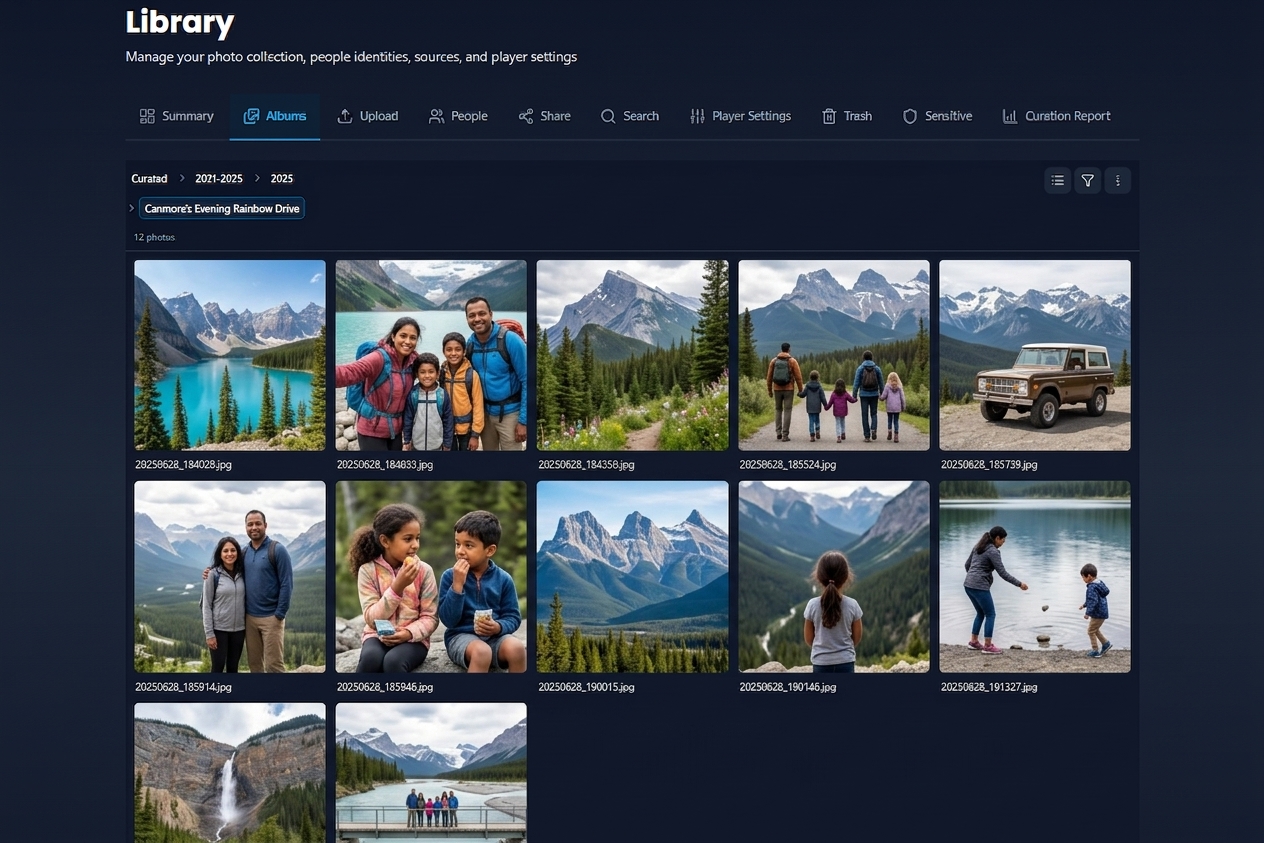
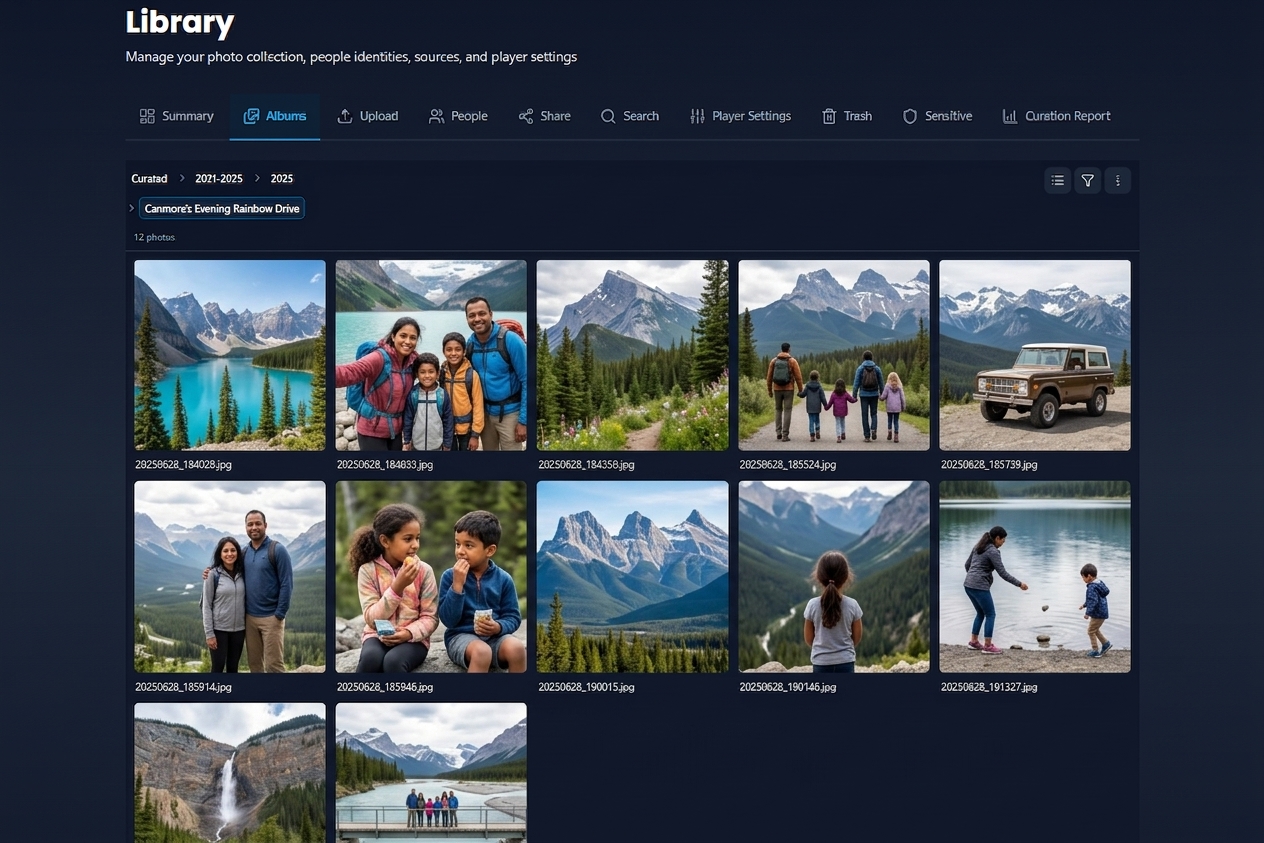
- Browse the trash folder tree (mirrors your album layout)
- Recover selected photos back to their album
- Permanently delete when you are sure
- If the original album no longer exists, Eyedeea asks you to pick a restore destination


Web and Android
| Area | Desktop | Mobile |
|---|---|---|
| Duplicates / Blurry / Sensitive | Folder under Albums + optional top tab | Dedicated tab when count > 0 |
| Trash | Folder under Albums + optional top tab | Dedicated tab when items exist |
| Context menus | Right-click on Duplicates/Blurry | Long-press where supported |
| Sensitive bulk menu | Disabled by design | Disabled by design |
Why cleanup matters
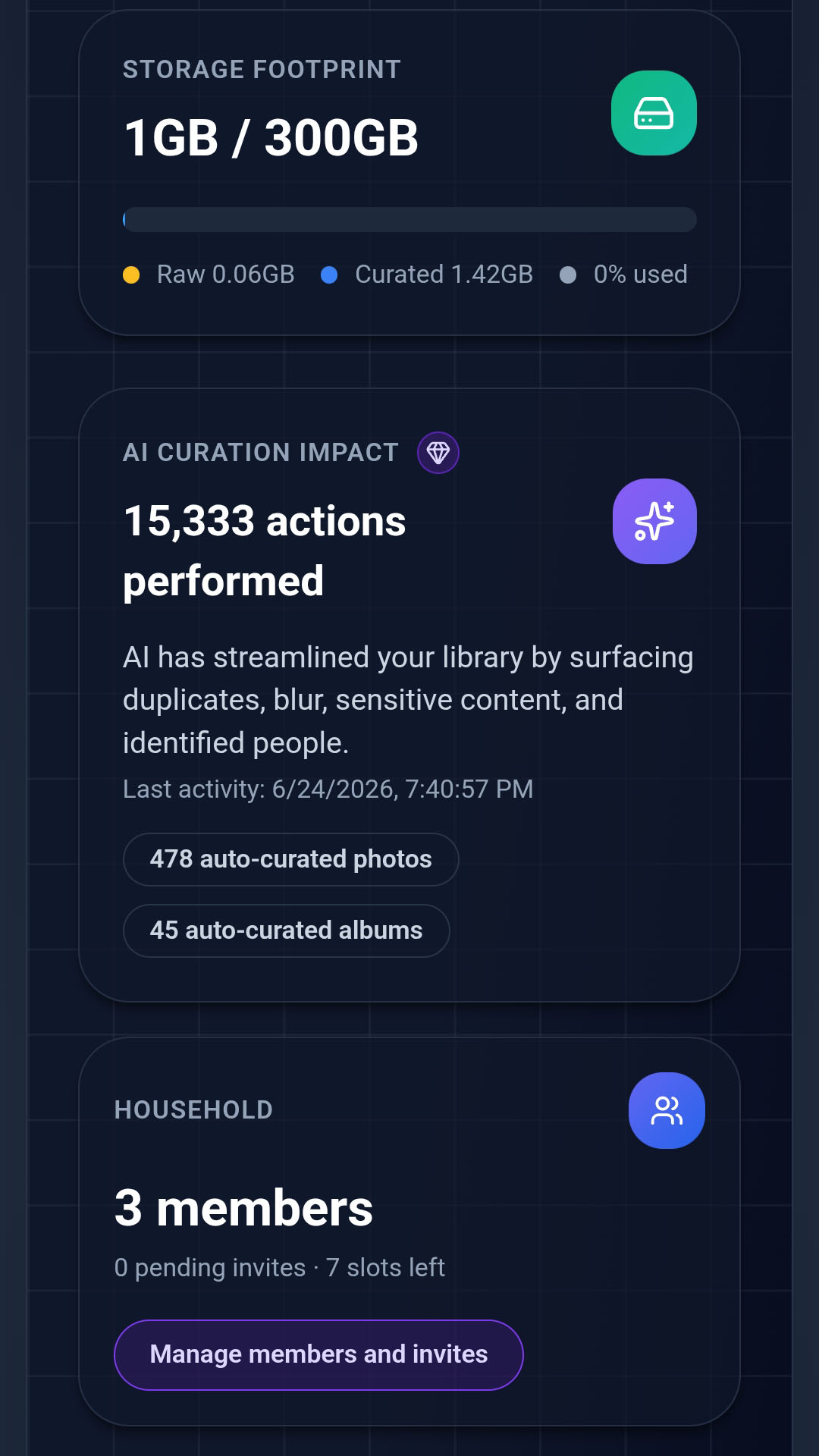
A smaller, sharper library is easier to browse, cheaper to store, and more fun in slideshows. Summary shows flag counts at a glance.
Tips
- Review a few duplicate groups manually before using bulk actions.
- Run Auto Curation on new uploads first; cleanup tabs populate as analysis completes.
- Keep decisions on duplicates are remembered - the AI will not re-flag the same pair.
- Many users find 300 GB is enough for a lifetime once duplicates and low-quality shots are gone.