People
The People tab groups faces across your library so you can name family members and browse photos by person. Eyedeea uses AI to detect faces and group similar faces into clusters - doing most of the matching work so you only confirm who is who.
On this page
- How it works
- Review face clusters
- Name a person
- Not a face and Do not track
- Correct a wrong face
- Merge people
- Browse photos by person
- Source selector
- Web and Android
- Privacy
- Good to know
How it works
- After Auto Curation runs, the AI detects faces in your photos.
- Similar faces are clustered - often the same person across many albums.
- You review clusters: name them, merge duplicates, or mark mistakes.
- Over time, recognition improves as you confirm identities.
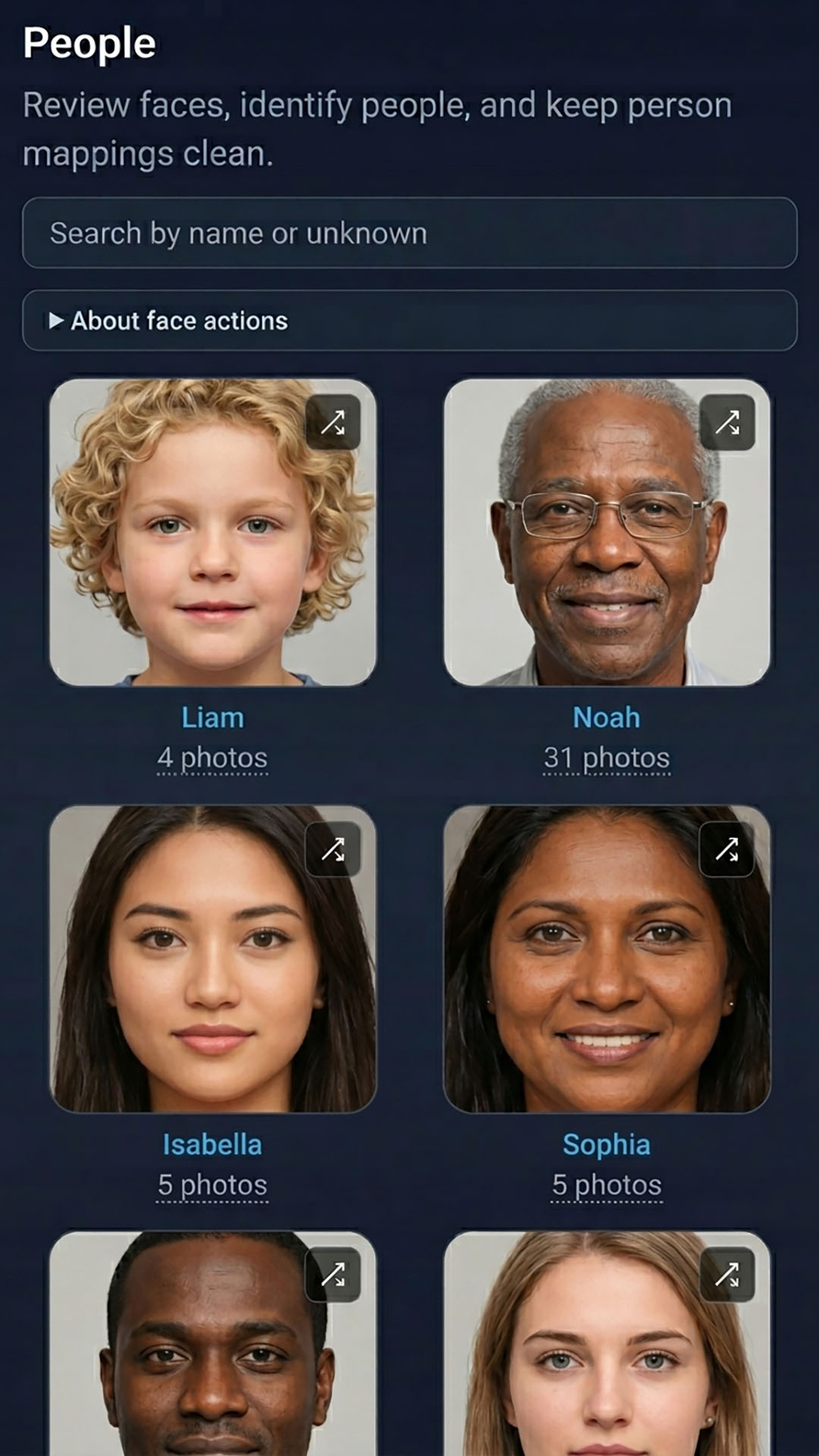
Review face clusters
The People grid shows:
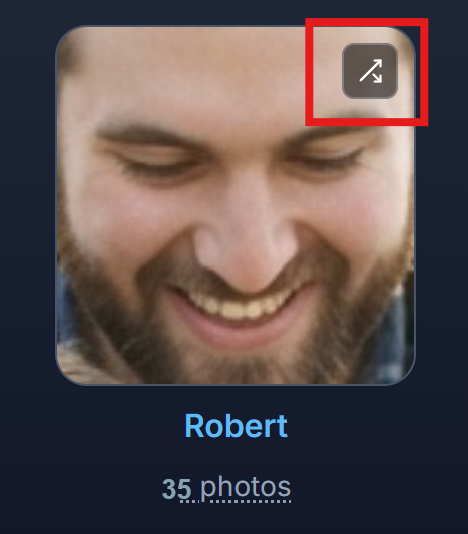
- Named people - clusters you have already identified, with a face thumbnail and photo count
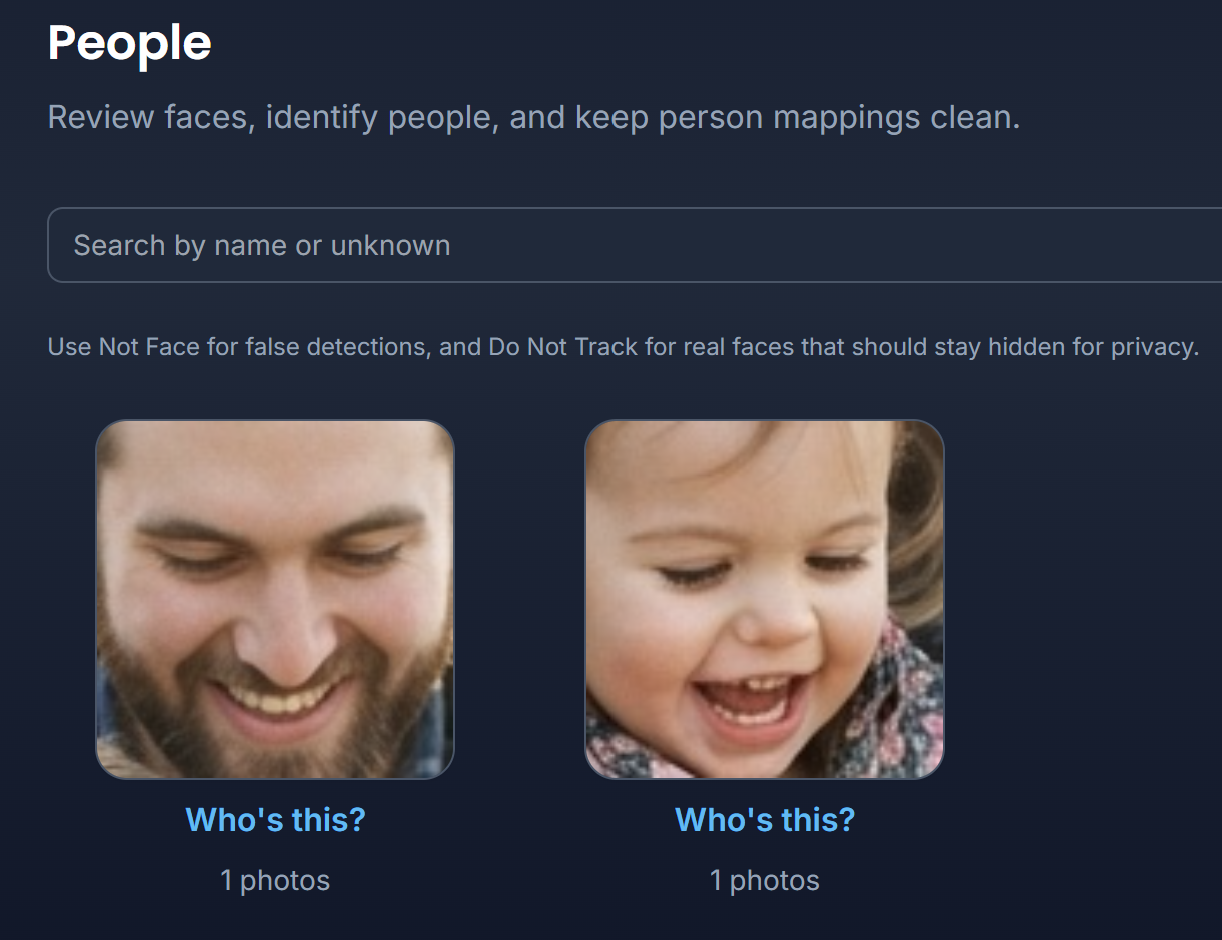
- Unidentified clusters - labeled Who's this? until you assign a name
Tap any card to open the identity editor. Use the search box at the top to find a person by name.
Name a person
Web and Android:
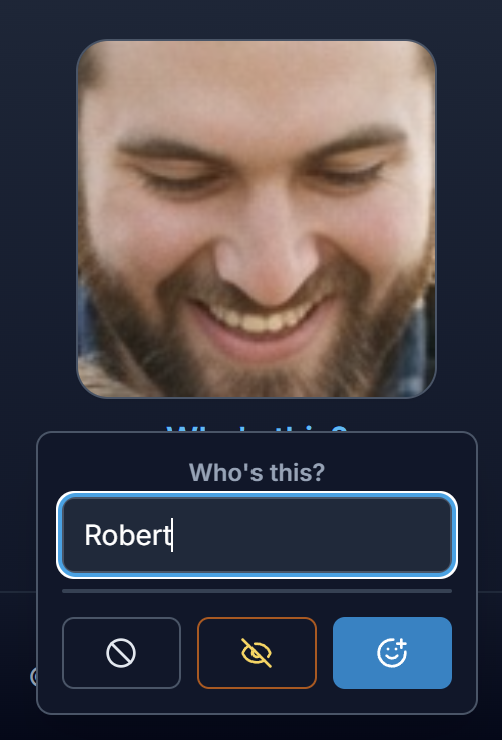
- Tap a face cluster (named or unidentified).
- Type a new name or pick an existing person from the suggestions list.
- Tap Save.
You can leave clusters unnamed - they still get stable IDs for later review.
Not a face and Do not track
Sometimes the AI detects a non-face (a pattern, poster, or statue) or someone you prefer not to track.
| Action | When to use |
|---|---|
| Not a face | The detection is wrong - not a real face |
| Do not track | A real face you do not want grouped or named |
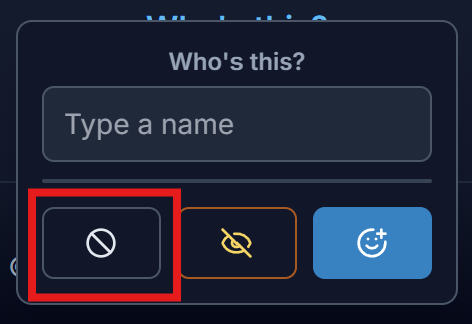
On mobile, help text for these actions may appear in a collapsible details section.
Correct a wrong face
When a face is tagged with the wrong name (for example Deb’s face appears under Robert):
- Open the named person from the People grid (merge / detail panel).
- Tap Review faces.
- Select the face crops that do not belong to that person.
- Tap Move to… and choose the correct person, or type a new name.
- Optionally use Not a face or Do not track for bad detections instead of moving them.
If moving faces leaves a person with no faces left, you can remove that empty person when prompted.
Merge people
When the AI split one person into two clusters (common after hairstyle changes or years apart):
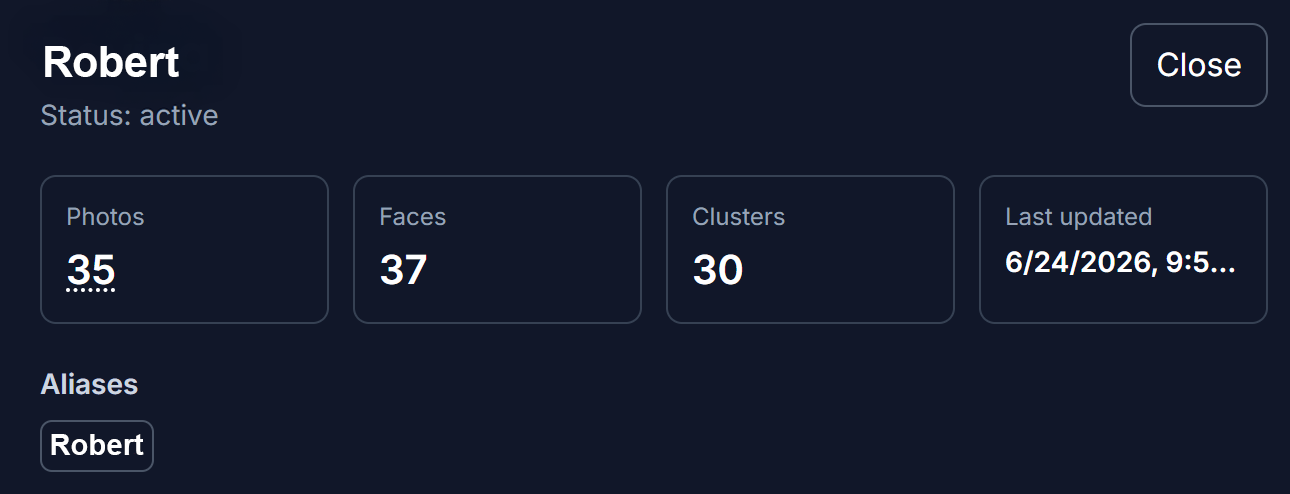
- Tap a named person to open their detail panel.
- Review stats - photos, faces, clusters, and aliases.
- Choose Merge person and pick the duplicate identity to combine.
- Confirm in the merge dialog - this cannot be undone easily.
Browse photos by person
Web:
- Tap a named person's photo count or face thumbnail to open Search filtered to that person.
- From search results, open any photo in the Photo Viewer.
Android app:
- The dedicated Search tab is hidden on Android. Person-based browsing works best through Player Settings search, or use the web browser on a laptop for the full Search tab experience.
Source selector
Households with multiple photo sources may see a source selector at the top of People. Pick a source to filter which library the face grid shows.

Web and Android
The People UI is the same on web and Android. The main difference is how you search by person afterward - web has a dedicated Search tab; Android relies on Player Settings.
Privacy
Face data stays inside your household. Only members with library access can see People albums. Face analysis runs on your library to power People browsing - it is not shared outside your household account. Eyedeea does not sell or share face data with third parties.
Good to know
- People counts also appear on Summary Action Center when unnamed clusters need review.
- Removing a person from a single photo happens in the Photo Info panel inside the Photo Viewer - that does not delete the person from your library.
- For sensitive photos that include faces, review flagged items in Sensitive separately.