Search
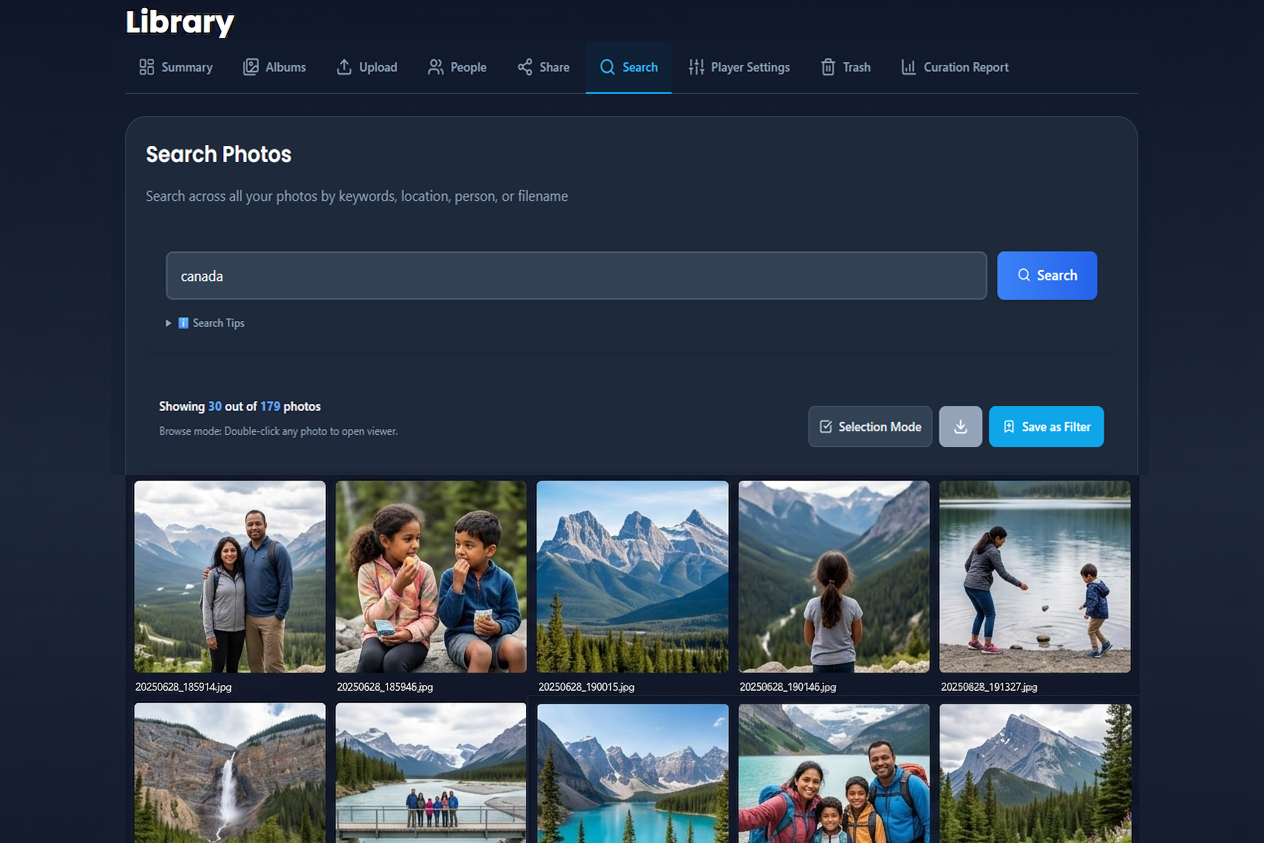
The Search tab finds photos across your entire library - by place, person, album name, scene, or landmark.
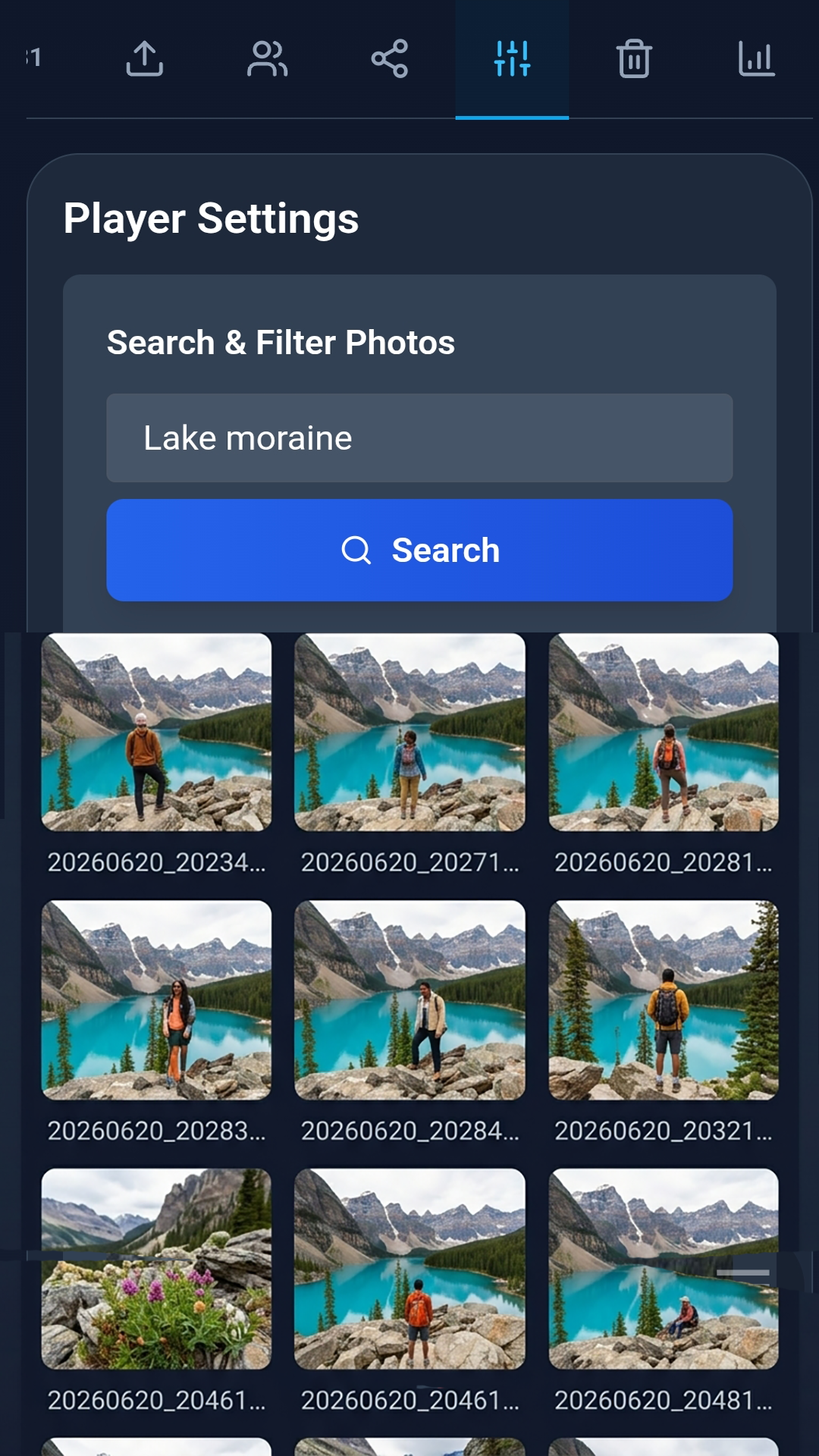
The Search tab appears in the Library on web. On the Android app, use Player Settings for the same keyword search and saved filters.
On this page
- How to search
- Search tips
- What you can search by
- Results and Photo Viewer
- Select and download
- Search by person
- Saved filters
- Web and Android
- Tips
How to search
Web (desktop, laptop, or mobile browser):
- Open Library → Search.
- Type keywords - a place, person, album name, or scene.
- Browse results in a grid. Open any photo in the Photo Viewer.
- Save as Filter to reuse the search in View.
Recent searches appear as suggestions. Clear history from the search header when you want a fresh start.

Android app:
Open Library → Player Settings and use the Search & Filter Photos panel at the top.
Search tips
Eyedeea supports useful query patterns. Spaces mean AND across people, places, tags, and albums - every term must match the same photo.
| Pattern | Example |
|---|---|
| AND (default) | devina deb canada - both people and the place |
| OR | beach OR mountain |
| Phrase | "golden gate bridge" |
| Exclude | devina canada -jasper or devina canada excluding jasper |
| Commas / fillers | devina, deb in canada - commas and words like in are ignored |
More examples:
- People together:
devina deb dnyan - People + place:
devina deb in canada - Exclude a place or name:
devina canada -jasper

What you can search by
| Signal | Examples |
|---|---|
| Place | City, country, street, landmark (point of interest) |
| People | Names you assigned in the People tab |
| Time | Dates, years, seasons (via AI captions and metadata) |
| Scene | Beach, birthday, sunset |
| Album | Curated album names |
Search is powered by metadata and AI enrichment from Auto Curation - geocoding, object detection, and face identity all feed the index.
Results and Photo Viewer
Results show a count such as Showing 15 of 142. Tap Load more to page through large result sets (15 photos per page).
- Desktop: double-click a thumbnail to open the Photo Viewer.
- Mobile web: tap a thumbnail.

Select and download
Enter selection mode to work with multiple results:
Web:
- Ctrl+click / Cmd+click to toggle photos
- Shift+click for a range
- Toolbar: Download with quality menu (subject to plan limits)
Mobile web:
- Tap photos to toggle selection
- Use the download action on the selection toolbar

Search by person
From the People tab on web, tap a named person to jump to Search with that person pre-filtered. Your browser Back button returns to People.

Saved filters
Turn a keyword search into a saved filter when results are on screen:
- Run a search with at least one keyword in the query box.
- Tap Save as Filter.
- The filter appears in Player Settings for View and future reuse.
Save as Filter is disabled for person-only searches (no keywords) - use Player Settings to manage those filters instead.
Owners with Global Filter permission can create filters visible to all household members.

Web and Android
| Feature | Web Search tab | Android Player Settings |
|---|---|---|
| Keyword search | Yes | Yes |
| Search history | Yes | Yes |
| Save as filter | Yes | Yes |
| Person deep link from People | Yes | Use Player Settings search |
| Multi-select download | Yes | Via filter download (up to 20 photos) |
Tips
- Start broad ("Italy 2019") then narrow with more keywords.
- Combine Search with Albums when you know the event but not the exact photo.
- Sort and advanced date/source panels may appear in the UI - keyword search is the primary path today; saved filters are the best way to pin a repeatable query for View.