Player Settings
Player Settings controls how View plays your photos - active filters, keyword search, and playback preferences for the server-synchronized slideshow.
On the Android app, this tab is also your primary search surface - the dedicated Search tab is web-only.
On this page
- What it controls
- Search and filter photos
- Saved filters
- Activate a filter for View
- View photos from a filter
- Download from a filter
- Story Pack filters
- Web and Android
- Good to know
What it controls
- Active filter - which subset of photos View plays (all photos, a saved search, or a Story Pack)
- Keyword search - find photos without leaving the Library
- Saved filters - reusable queries and Story Pack collections for View
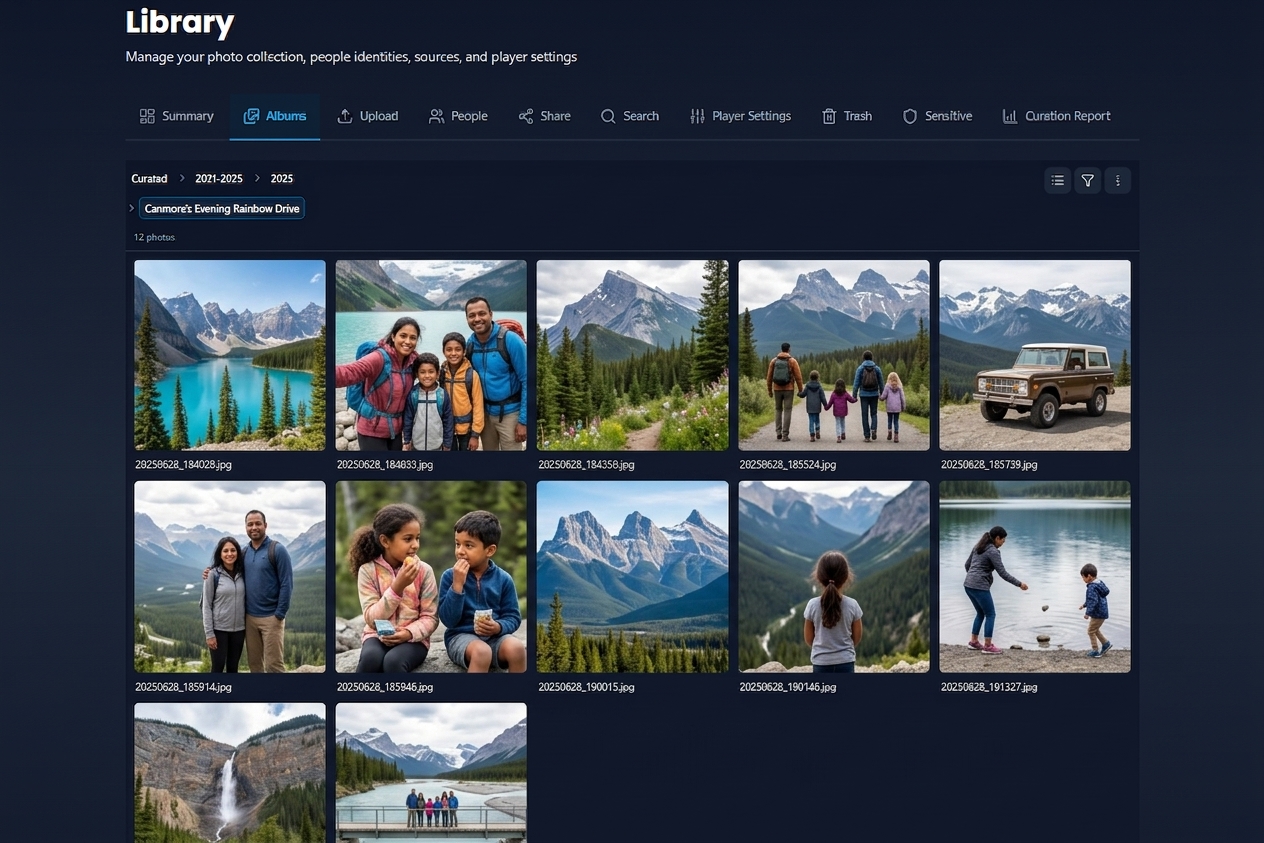

For timing, transitions, and weather overlays, see Player Settings. For how long each photo stays on screen, see Settings → Slideshow timer.
Search and filter photos
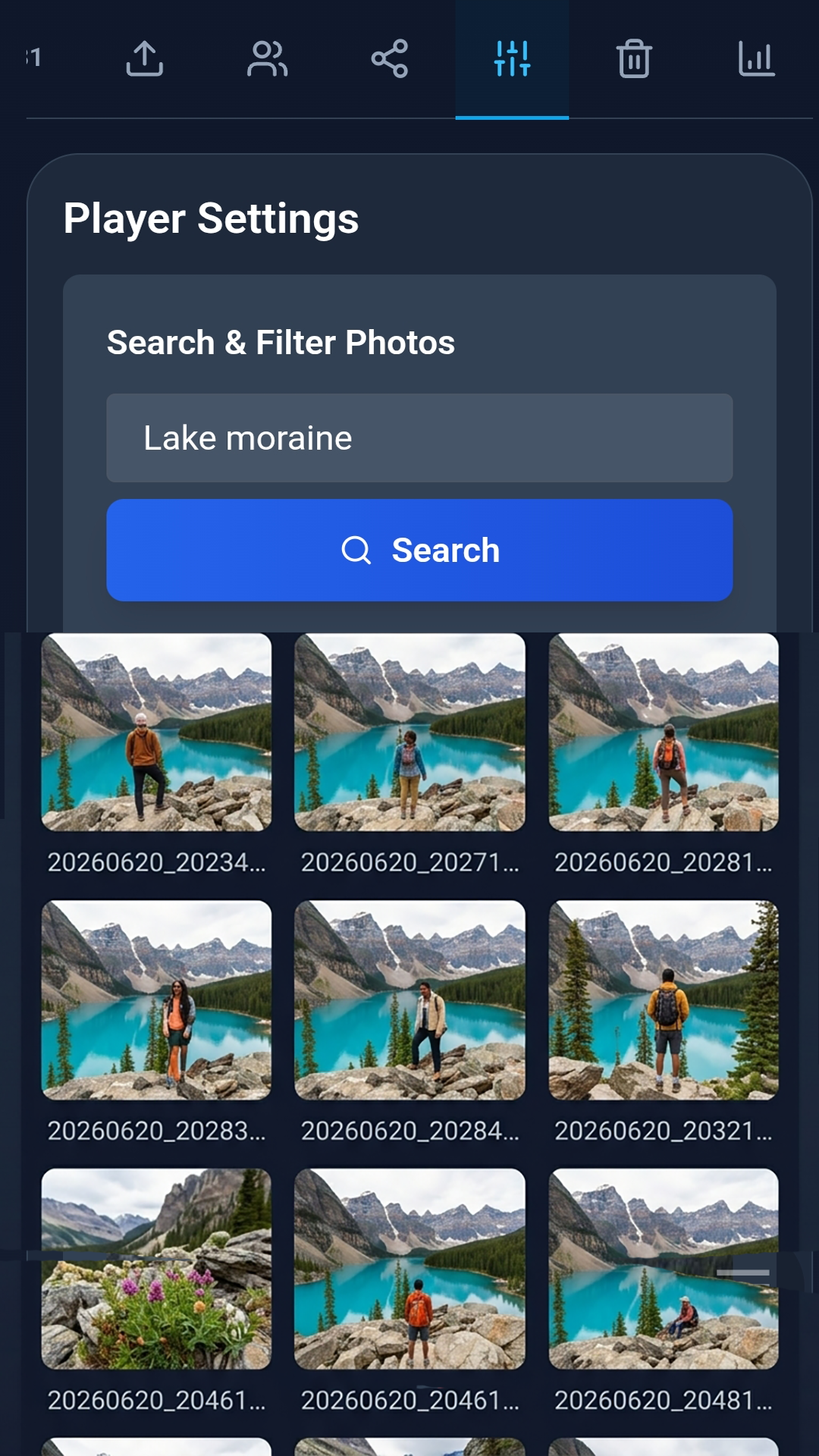
The Search & Filter Photos panel at the top works like the web Search tab:
- Type keywords - place, scene, album name, or filename.
- Browse results in a grid below the search box.
- Tap Load more for additional pages.
- Tap Save as Filter to pin the query for View.
Search history suggestions appear as you type. Clear history when you want a clean slate.


Saved filters
Below the search panel, Saved Filters lists every filter in your household:
| Column / field | Meaning |
|---|---|
| Name | Filter label you chose when saving |
| Scope | Personal (just you) or Global (all members) |
| Type | Keyword search or Story Pack |
| Active | Radio button - drives the View slideshow queue |
The default All photos filter cannot be deleted.


Activate a filter for View
- Select the radio button next to a filter.
- Wait for Activating filter... to finish.
- Open View - every device in your household plays from the same filtered queue.

View photos from a filter
Tap View photos on any saved filter to scroll to the search panel and run that filter's query. For Story Pack filters, Eyedeea loads the pack's photos directly.
Download from a filter
Tap Download on a saved filter to save up to 20 photos as a ZIP (subject to plan limits). Useful on Android when the Search tab is not available.
Story Pack filters
When you save a filter from a Story Pack, the row shows Story Pack: followed by the pack name. Activating it limits View to photos in that pack.

Web and Android
| Feature | Web | Android app |
|---|---|---|
| Dedicated Search tab | Yes | No - use Player Settings |
| Keyword search here | Yes | Yes (primary) |
| Save as filter | Yes | Yes |
| Activate filter for View | Yes | Yes |
| Filter download (20-photo ZIP) | Yes | Yes |
Good to know
- Global filters (visible to all members) require owner-granted Global Filter permission - see Household.
- Changing the active filter updates what View shows on TV, web, and mobile - instantly, via server sync.
- Filters saved from Search on web also appear here.
- Delete a custom filter with the trash icon - the default All photos filter stays.
