Household
A household is your family’s shared photo home in Eyedeea - one library, one subscription, multiple people with the right level of access.
When you sign up, you become the owner of a household. Everyone you invite shares the same curated albums, View slideshow, and search index.
Owner vs members
| Role | Who | What they can do |
|---|---|---|
| Owner | The person who created the household and pays for the plan | Manage subscription, invite/remove members, set permissions, rename the household |
| Member | Family or friends you invite | Browse the library, View slideshow, and use capabilities the owner enables |
There is one owner per household. Members join by email invite and sign in with their own account - they do not need a separate subscription.
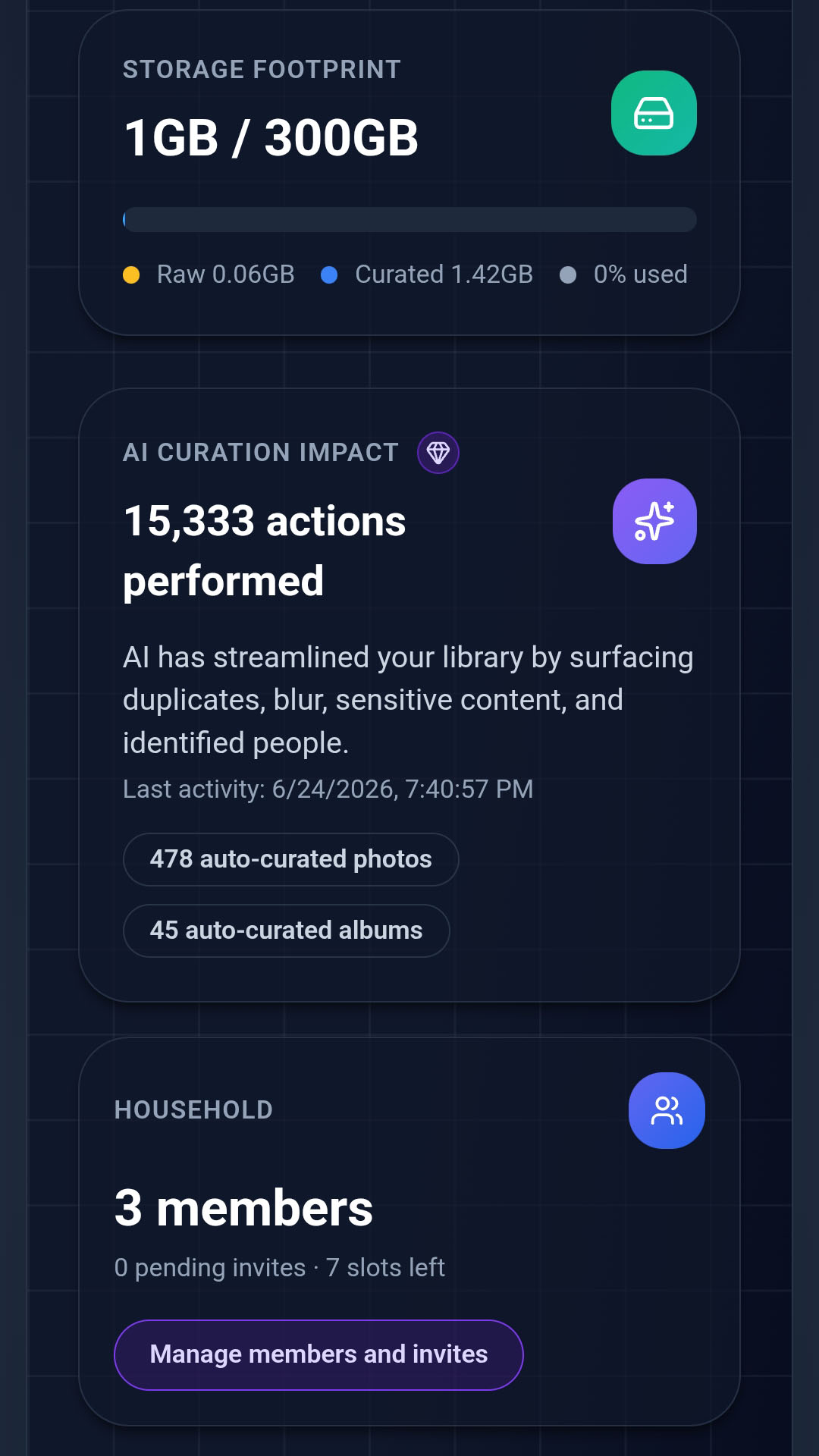
Inviting family
Only the owner can invite people:
- Open Settings (profile menu) on desktop, laptop, or Android - not on view-only TV apps.
- Go to Household Members.
- Enter an email address and send an invite.
- The invitee receives a link, signs up or logs in, and lands in your Library Summary.
Invite limits depend on your plan - for example, up to 5 members on Cloud Studio and 10 on Cloud Pro.
Per-member permissions
Owners fine-tune what each member can do:
| Permission | What it allows |
|---|---|
| Upload | Add new photos to the upload area |
| Download | Save originals and albums |
| Curate | Run and manage curation jobs |
| Global Filter | Create saved filters visible to all household members |
A grandparent might get View + Download only. A spouse might get full Upload and Curate. You stay in control without sharing passwords or duplicate libraries.
One subscription, whole family
The household subscription covers storage and AI features for everyone on the plan. Members do not pay separately - they inherit the owner’s entitlements.
Only the owner can upgrade, downgrade, or cancel. Members see subscription status but cannot change billing.
Multiple households
A user can belong to more than one household (up to a platform limit). Switch active household from Settings when you participate in multiple families.
Privacy
Photos and face data stay within the household. Members only see what the shared library contains. For details, see our Privacy Policy.
Good to know
- Invites expire - resend from Settings if a link goes stale.
- Removing a member revokes their access immediately; photos they uploaded remain in the household library.
- For pricing and member limits by plan, see Subscriptions.