Weather Overlay
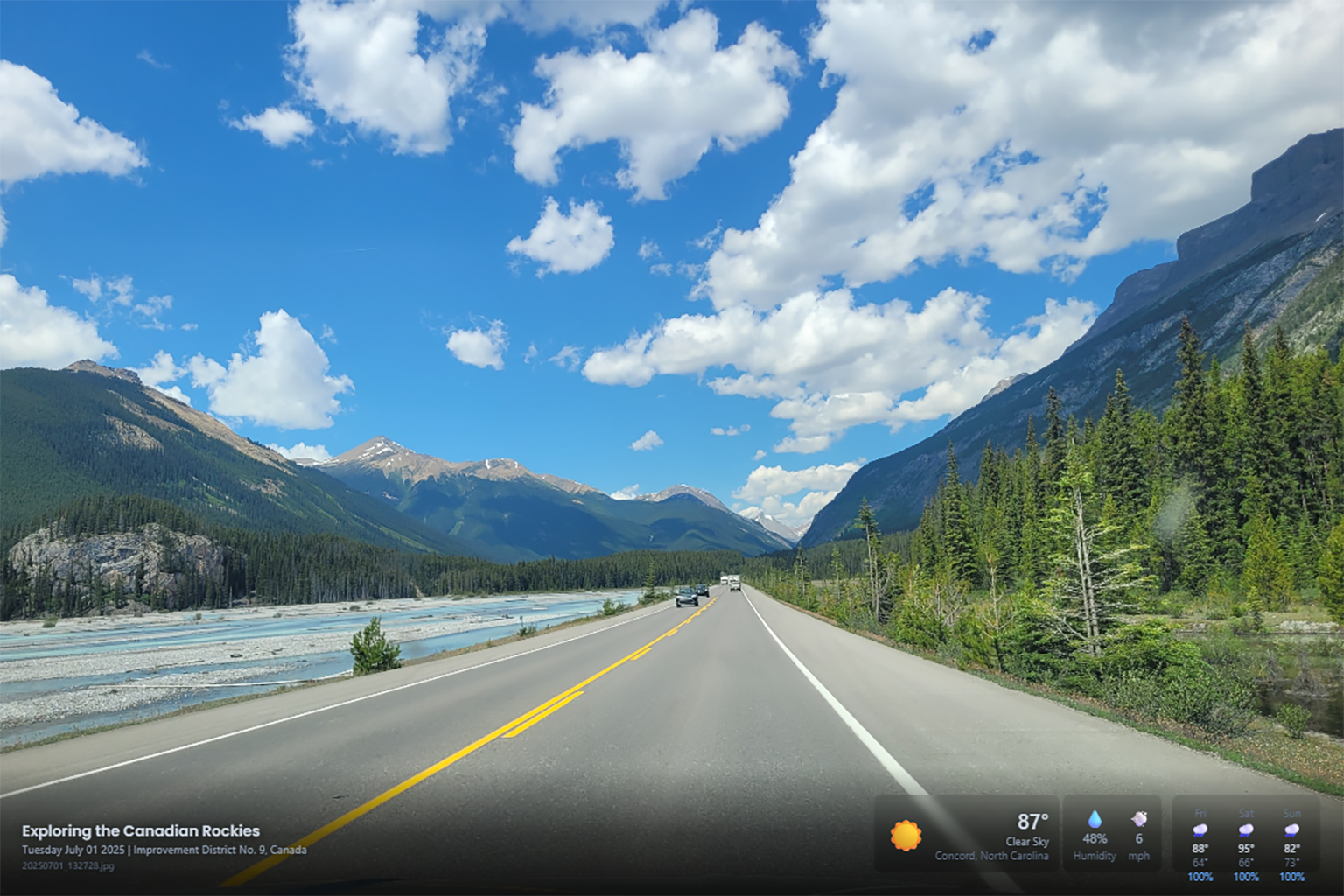
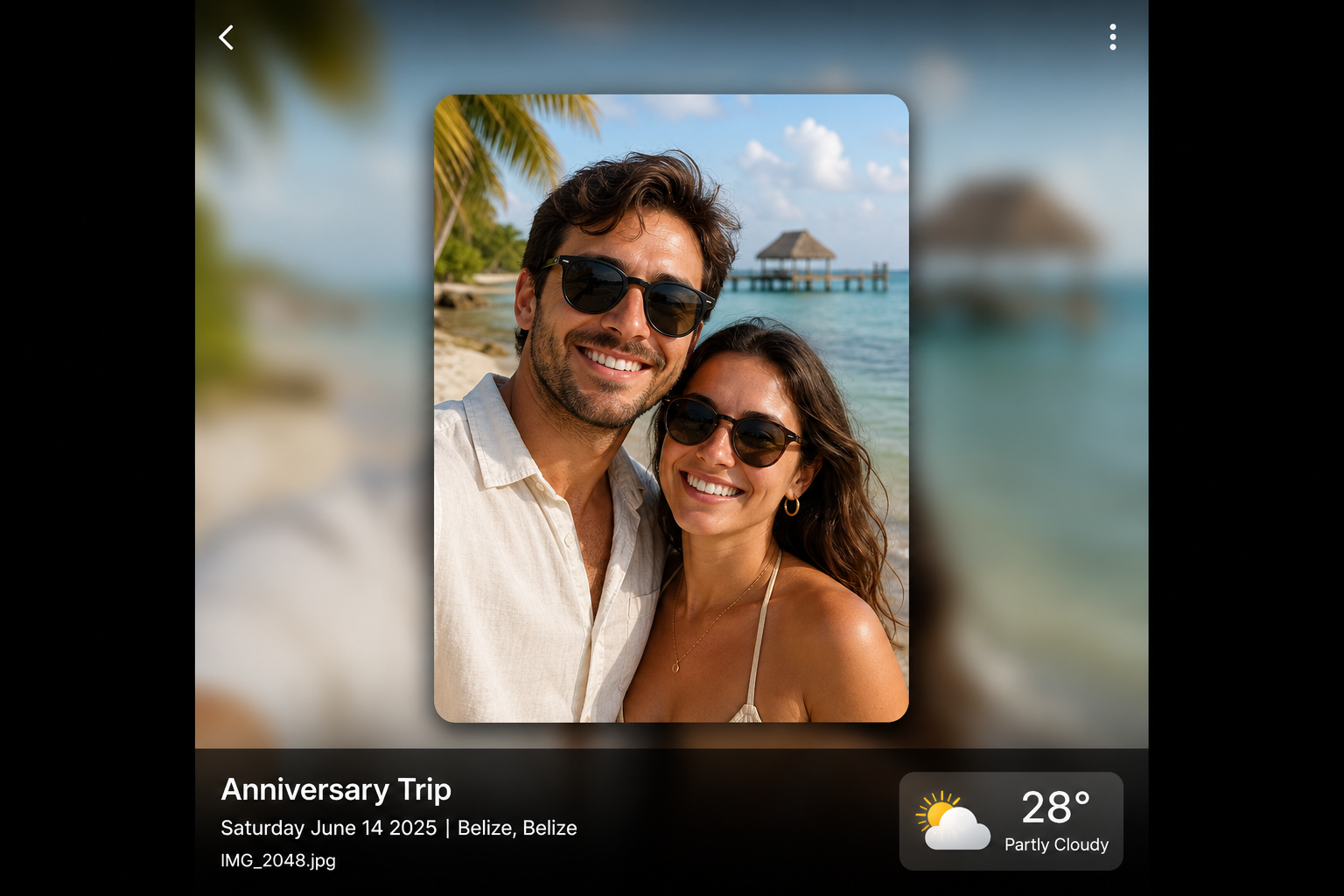
When a photo includes date, time, and GPS location in its EXIF data, View can show what the weather was like at the moment the shot was taken - temperature, conditions, humidity, and wind - as an overlay on the slideshow.
This pairs with View & Slideshow and place-aware Search to turn each photo into a richer memory.
What you see
During View playback, a weather widget can appear in the corner of the screen:
- Current conditions at the photo's location and time (for example, Sunny, 24°)
- Humidity and wind when available
- Landscape and portrait layouts depending on the photo orientation
Requirements
Weather overlays need accurate metadata:
- GPS coordinates in the photo EXIF (from your camera or phone at capture time)
- Capture date and time so Eyedeea can look up historical weather
Photos uploaded without geolocation will not show a weather overlay. Upload from the Android app or desktop browser when possible - some mobile browsers strip EXIF before upload. See Upload.
Configure overlays
Control which overlays appear and tune playback from Player Settings before opening View. For how long each photo stays on screen, see Settings → Slideshow timer.
Good to know
- Weather data is fetched for the photo's location and timestamp - not your current location.
- Overlays appear on View across web, Android, and view-only TV apps when metadata is present.
- If overlay text looks wrong, check whether the original file still had GPS - re-upload from a source that preserves EXIF.